
How to Get HD Video Quality for Group Video Calls
To get HD video quality for group video calls, it requires cameras with minimum 1080p resolution, stable internet bandwidth of 5+ Mbps upload speed, proper lighting, and correct camera positioning. These four factors work together to ensure all participants appear clearly on screen.
What are the Camera Requirements?
Use cameras with native 1080p or 4K sensors. Native resolution captures actual detail rather than artificially upscaling lower quality images. For groups of 4-8 people, 1080p works well. For 3+ participants or rooms larger than 15 feet, use 4K cameras.
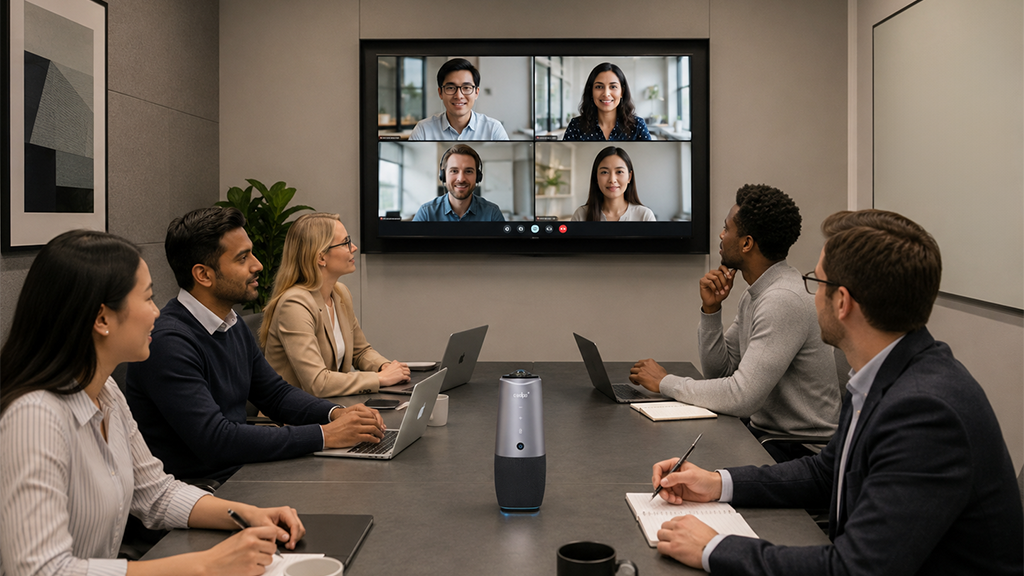
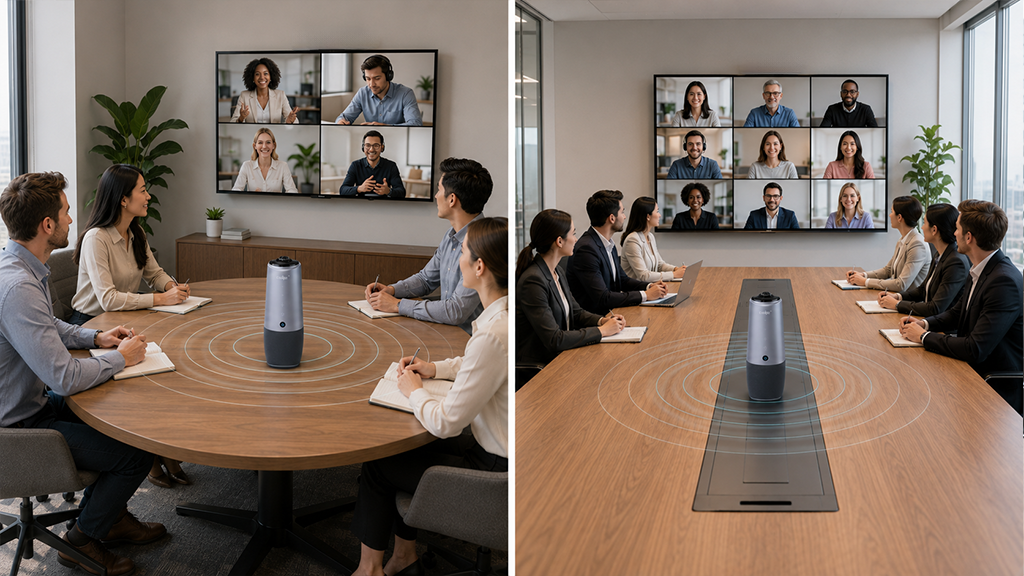
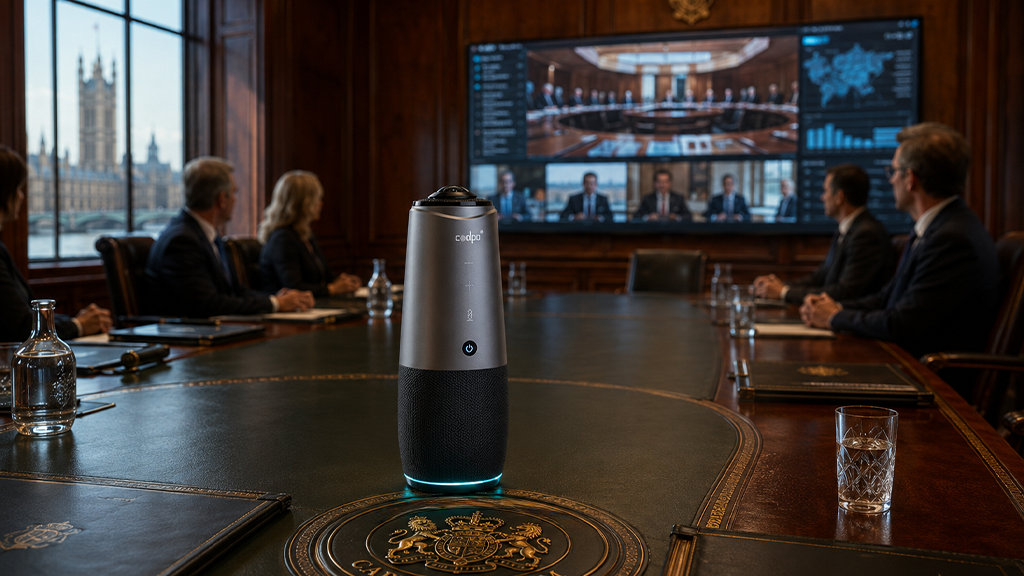
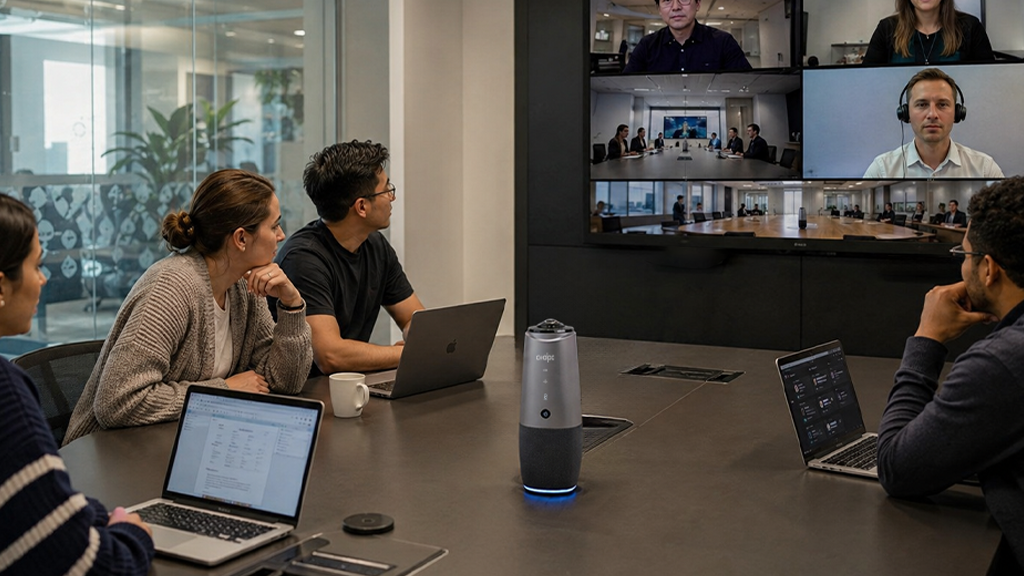
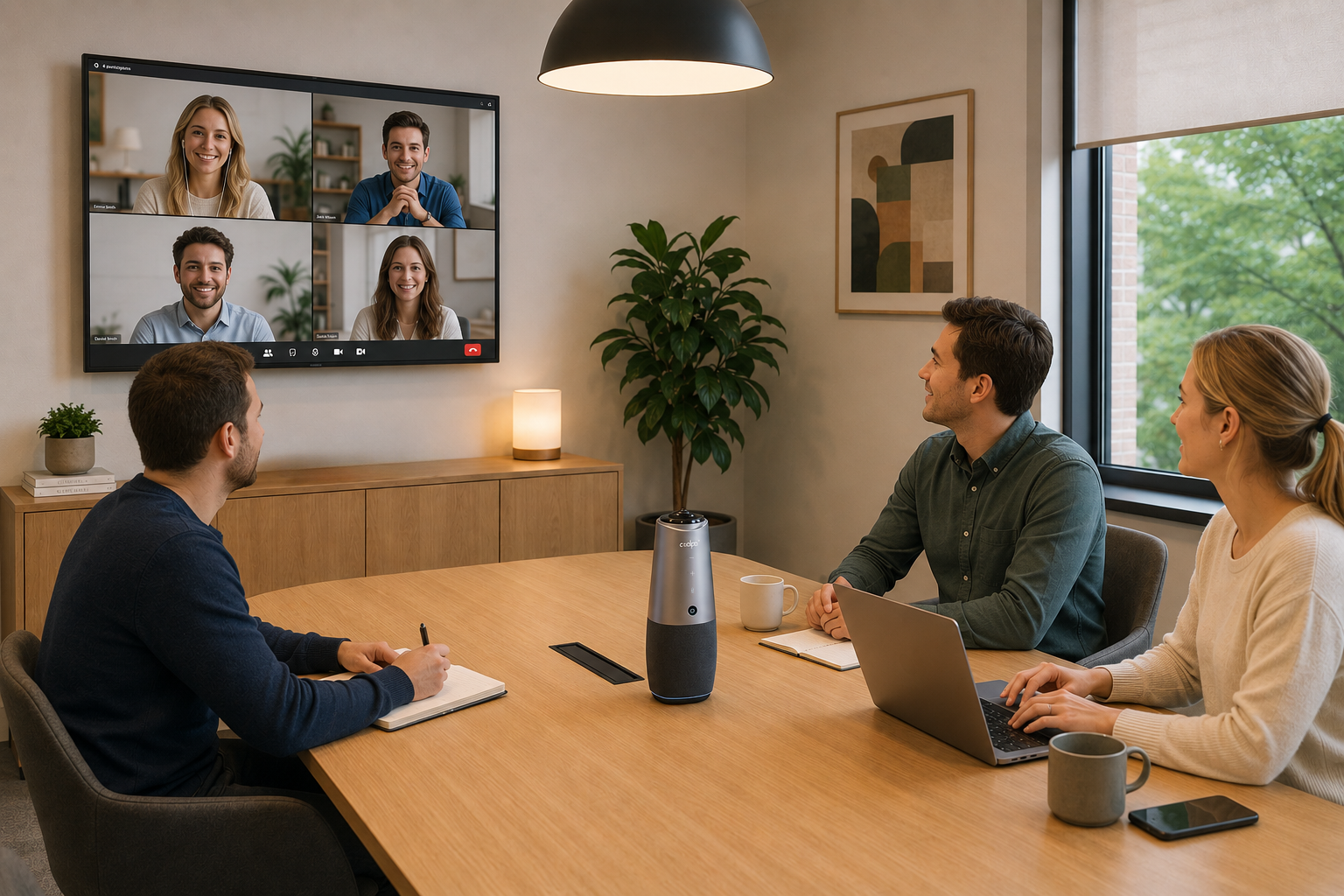
Wide-angle lenses (120-150 degrees field of view) capture entire groups but can sometimes require people to crowd together. The Coolpo AI Pana provides 360-degree coverage with 4K resolution, making it effective for a HD video quality for a video group calls.
Key specs to verify:
Native 1080p minimum (check specifications, not marketing claims)
30fps frame rate standard, 60fps for reduced motion blur
Wide-angle lens like 369 degrees camera for full room coverage or 120+ degrees camera
Auto-focus capability
Internet Bandwidth
HD video requires adequate upload speed, not just download speed. Test your upload bandwidth before meetings.
Bandwidth requirements:
1080p at 30fps: 5 Mbps upload minimum
4K at 30fps: 15 Mbps upload minimum
Add 2 Mbps buffer for stability
Use wired ethernet connections instead of WiFi when possible. WiFi fluctuates based on distance from router and interference from other devices.
Lighting Setup
Position lights in front of participants, not behind them. Backlighting from windows makes faces appear dark while backgrounds are too bright.
Lighting guidelines:
Aim for 500-1000 lux at face level
Use LED panels at 45-degree angles to eliminate shadows
Avoid overhead-only lighting that creates shadows under eyes and chin
Close blinds or position cameras away from windows
Camera Positioning
Mount cameras at eye level (4-6 feet from floor). Position camera 6-12 feet from the group depending on lens specifications.
Distance formula:
120-degree lens: room width × 1.5 = camera distance
150-degree lens: room width × 1.0 = camera distance
360-degree lens: at the center of the table or room
Center the camera on the group so the distance from the lens to the leftmost and rightmost participants is equal, ensuring balanced framing and consistent image quality.
Platform Settings
Enable HD video in your conferencing platform settings:
Zoom: Settings > Video > Enable HD Microsoft Teams: Settings > Devices > High quality video Google Meet: Settings > Send and receive HD video
Platforms compress video based on participant count. Some cap at 720p with 5+ participants. Check platform documentation for current limits.
Summary
Get HD video quality for group calls by using cameras with native 1080p resolution and 120+ degree lenses, maintaining 5+ Mbps upload bandwidth via wired ethernet, positioning lights in front of participants at 500-1000 lux, and mounting cameras at eye level 6-12 feet from the group. Enable HD settings in your conferencing platform and test setup before important meetings. For 4K quality in large rooms, increase bandwidth to 15+ Mbps and use cameras with native 4K sensors.
Recent blogs


Reliable
Innovation
Touch


