
Best tools for hosting a successful real-life conference calls.
To host successful real-life conference calls, you need the right combination of tools—from reliable conferencing platforms to proper audio and video setup. It starts with choosing the right software, followed by using the right hardware for your meeting setup, whether you’re hosting individually or in a group.
When these elements work together, communication becomes clearer, more stable, and more effective for both in-room and remote participants.
Video Conferencing Platforms (Core Software)
These platforms run the actual meeting and connect all participants.
- Zoom – Reliable for small to large meetings with strong features like recording and breakout rooms
- Microsoft Teams – Best for Microsoft 365 users with integrated chat and collaboration tools
- Google Meet – Easy browser-based access, ideal for quick meetings
Cameras (Individual vs Group Setup)
Camera choice depends on how the meeting is conducted.
Individual setup:
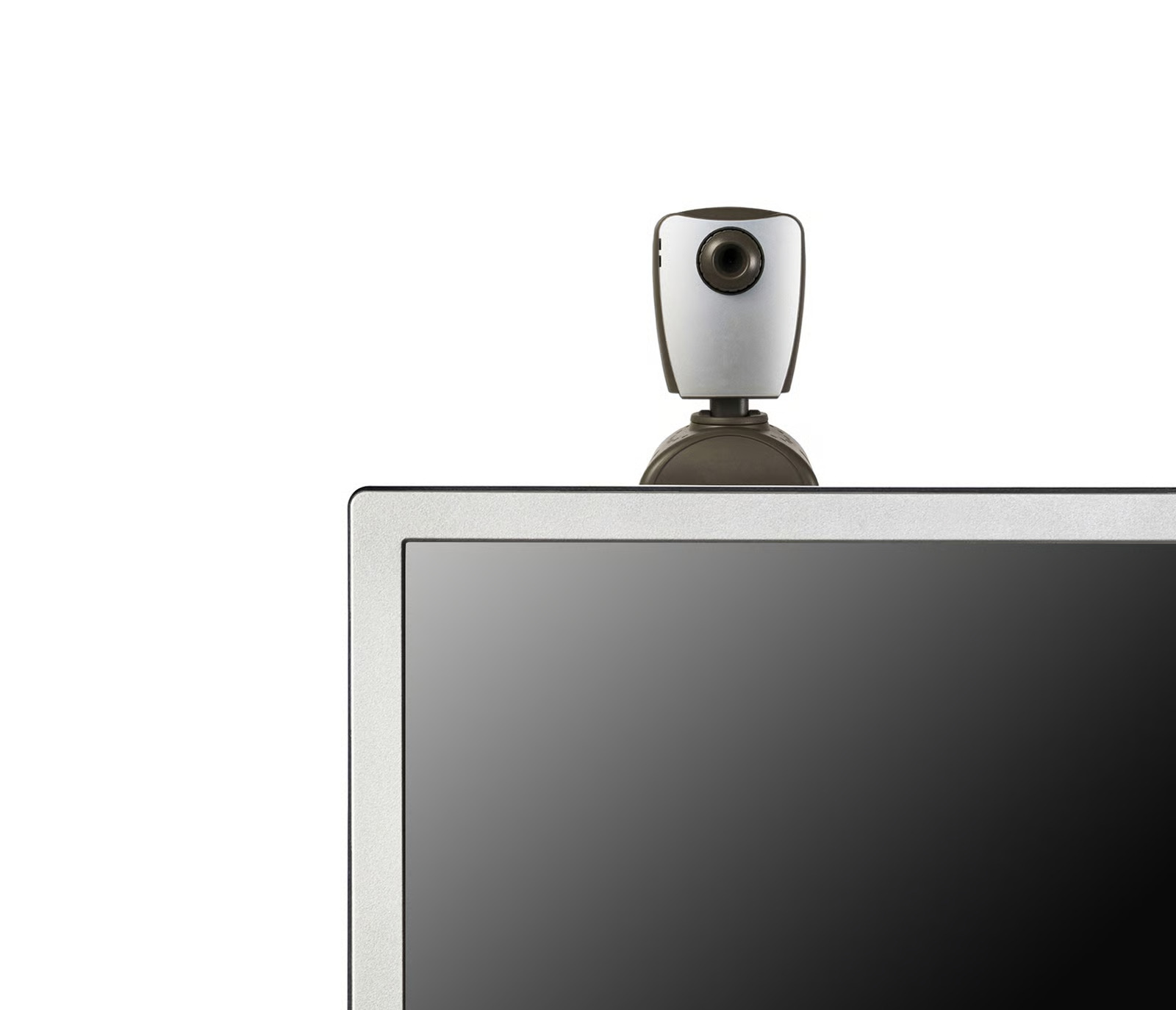
- Built-in or external webcams are usually sufficient
- Focus on basic clarity and framing
Best for 1-on-1 or small calls
Group setup:
- Wide-angle or 360° cameras are recommended
- Auto-framing helps capture multiple speakers
- Ensures full-room visibility for remote participants
Proper camera selection improves how participants are seen and understood.
Microphones & Audio Systems (Voice Capture)
Audio is one of the most important elements in conference calls.
- External microphones improve clarity
- Multi-directional pickup supports group discussions
- Reduces missed or unclear speech
- Avoid built-in laptop microphones for group calls
Speakers & Output Devices (Listening Experience)
Clear audio output ensures smooth communication.
- External speakers for shared rooms
- Headsets for focused or hybrid participants
- Balanced audio reduces echo and distortion
All-in-One Conference Systems (Simplified Setup)
Integrated systems combine multiple tools into one device.
- Camera, microphone, and speaker in a single unit
- Reduces setup complexity and compatibility issues
- Provides more consistent performance
For hybrid or room-based meetings, video conference camera solutions like COOLPO PANA help improve coverage and audio pickup in a unified setup which is perfect for small to medium groups.
Screen Sharing & Presentation Tools
Visual communication supports better understanding during calls.
- Built-in sharing in Zoom and Google Meet
- Slides, dashboards, and reports improve clarity
- Keeps discussions aligned and structured
Scheduling & Meeting Management Tools
Good organization ensures smoother meetings.
- Calendar integrations (Google Calendar, Outlook)
- Automatic meeting links
- Reminders and scheduling tools
Recording & AI Meeting Features
Modern tools help capture and process meetings after they end.
- Recording for replay and documentation
- Meeting transcripts that convert speech to text (available in Zoom and Microsoft Teams)
- AI-generated summaries and action items (e.g., Zoom AI Companion, Microsoft Teams Copilot)
- Automated notes for easier follow-ups
These features help teams review discussions, track decisions, and avoid missing important details.
Optimize Your Setup for Real-Life Conference Calls
Even with the right tools, setup determines overall performance.
- Ensure stable internet connection
- Position cameras at eye level for better visibility
- Balance audio so all participants are heard clearly
- Reduce background noise and distractions
- Adjust setup depending on whether the meeting is individual or group-based
Most issues in conference calls come from setup, not the platform itself.
Successful real-life conference calls depend on choosing the right combination of software, hardware, and setup optimization. When tools are properly aligned with meeting type—whether individual or group—communication becomes clearer, more stable, and more effective for all participants, both in-room and remote.
Recent blogs



Should I rent or buy video conferencing equipment for my team meeting?

.jpg)
Reliable
Innovation
Touch


