
Do We Really Need This Video Conference Meeting? Tips to Cut Pointless Hybrid Syncs
- ~2/3 of meetings are considered unnecessary — the cost is real, in money and focus.
- Sort by purpose first: share/check-in = async; decide/brainstorm = live.
- Fix defaults, not just behavior: shorter-by-default, expiring recurrences, no-meeting days.
- Let AI handle notes and action items so status meetings disappear.
- Reliable meeting tech turns the meetings you do keep into productive ones.
Hybrid work is now the norm and AI is everywhere — yet calendars are still jammed with meetings that could've been a message. Despite all these advances, one old frustration hasn’t gone away: too many meetings that don’t need to happen.
From weekly check-ins that could have been an email to hybrid syncs that stretch on due to tech glitches, professionals are asking: Why do meetings feel pointless? The answer is often twofold, lack of structure and poor technology.
This blog explores tips for video conferences that eliminate wasted time, show you when a meeting is unnecessary, and reveal how seamless technology can transform hybrid collaboration.
Ask the Hard Question: Does This Meeting Even Need to Happen?

The fastest way to reduce unnecessary video meetings is to stop scheduling them in the first place. Before you send the invite, pause and sort the purpose:
- Sharing information? → Make it async (a doc, a recorded Loom, a channel post).
- A quick check-in? → A voice note or chat thread usually does it.
- Deciding or brainstorming? → This is what live time is for.
This approach flips the usual question. Instead of asking, “Who should I invite?” start by asking, “Does this meeting even need to happen at all?” If you can't name a decision the meeting will produce, it's probably an email.
Structure Hybrid Syncs to Avoid Wasted Time
Hybrid meetings are uniquely tricky. With some people in the room and others dialing in, miscommunication, side conversations, and tech hiccups can stretch sessions far beyond their value.
Three tactics that instantly tighten meetings:
- Publish an agenda in advance. A one-line “weekly sync” isn’t enough—clear discussion points help people prepare and prevent aimless chatter.
- Appoint a facilitator. Someone should guide the conversation, cut off tangents, and ensure remote voices aren’t overshadowed by in-room chatter.
- Shrink the default time. Instead of defaulting to 30 or 60 minutes, cap meetings at 25 or 45. Conversations expand to fill whatever time is given, so give them less.
Use AI to Eliminate Redundancy
Another reason meetings feel endless? Repetition. People spend too much time reviewing what’s already known or repeating updates for those who couldn’t attend. Modern AI meeting tools generate live transcripts, auto-extract action items, and produce highlight reels — so people who miss a session stay aligned without another recap call. Reserve human meeting time for what humans do best: problem-solving, negotiation, and brainstorming. Everything status-related can be captured and read later.
Think of it this way: if a tool can deliver the information faster than a meeting, let it. Meetings should focus on what humans do best—problem-solving, brainstorming, and building alignment. Leave the documentation to AI.
Upgrade Your Communication Habits and Your Hardware

Even with the right structure, people can still make video conferences feel pointless. Much of it comes down to basic communication discipline.
A few essentials to adopt:
- Be concise. Respect people’s time by getting to the point.
- Practice active listening. Repeat or clarify key decisions to avoid confusion later.
- Eliminate distractions. Silence notifications, close unrelated tabs, and treat the meeting as if you were physically in the room.
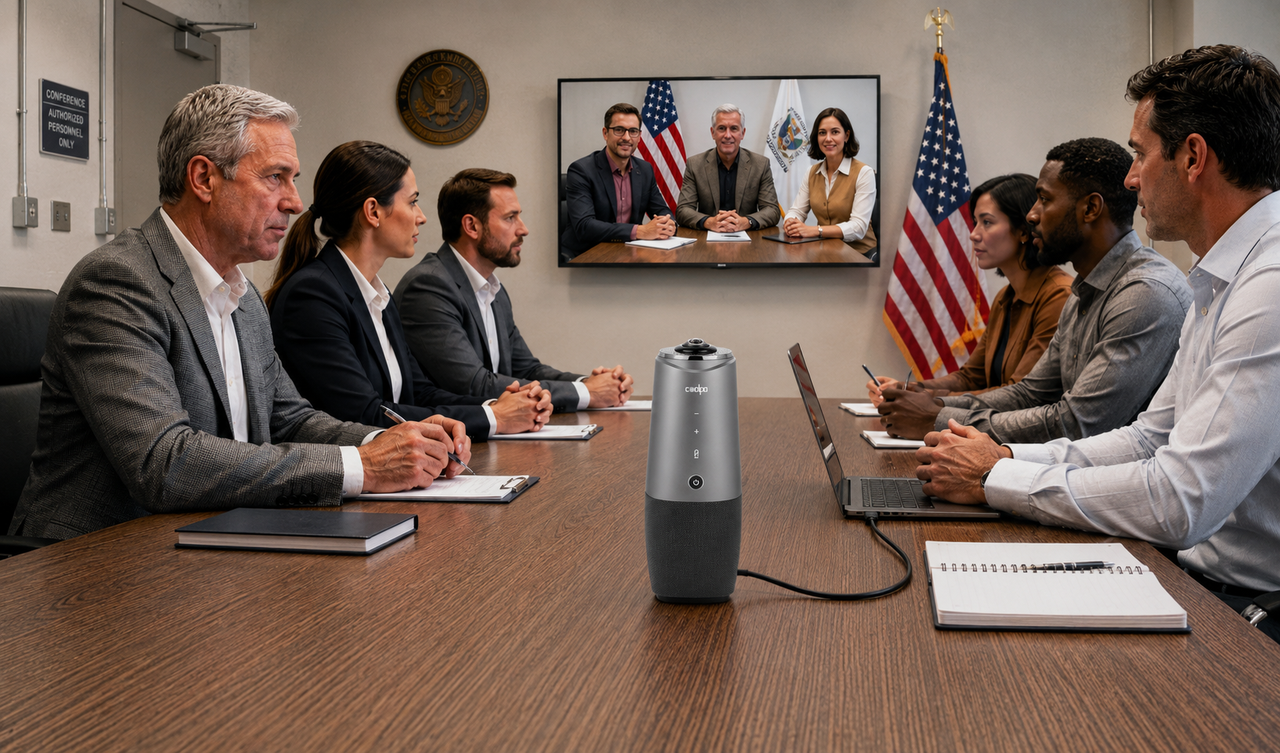
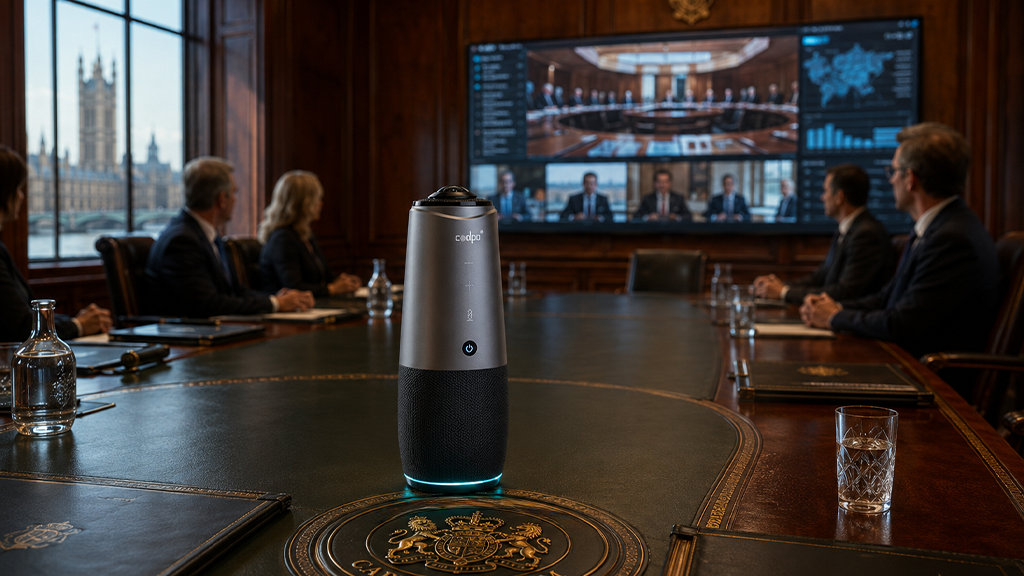
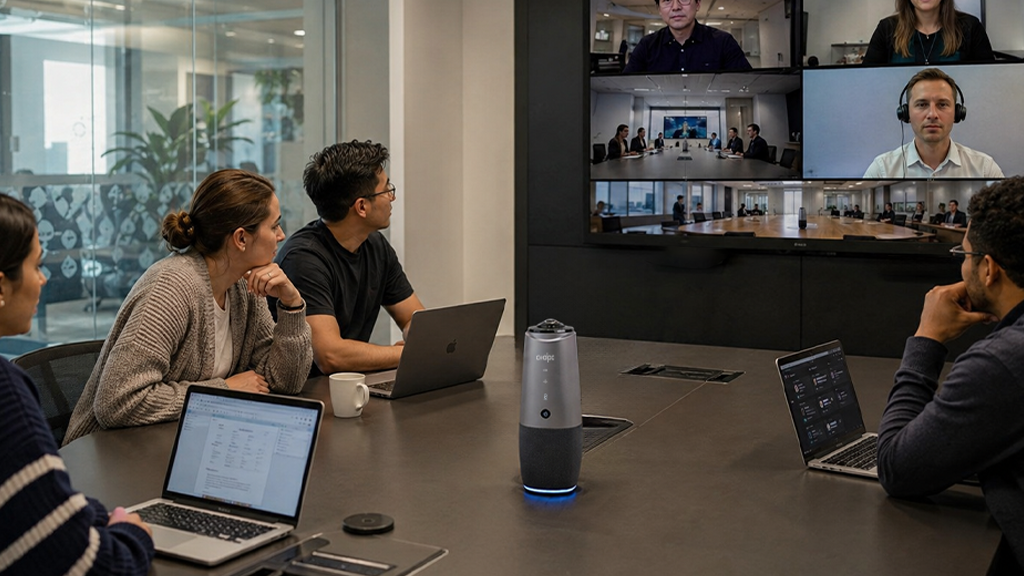
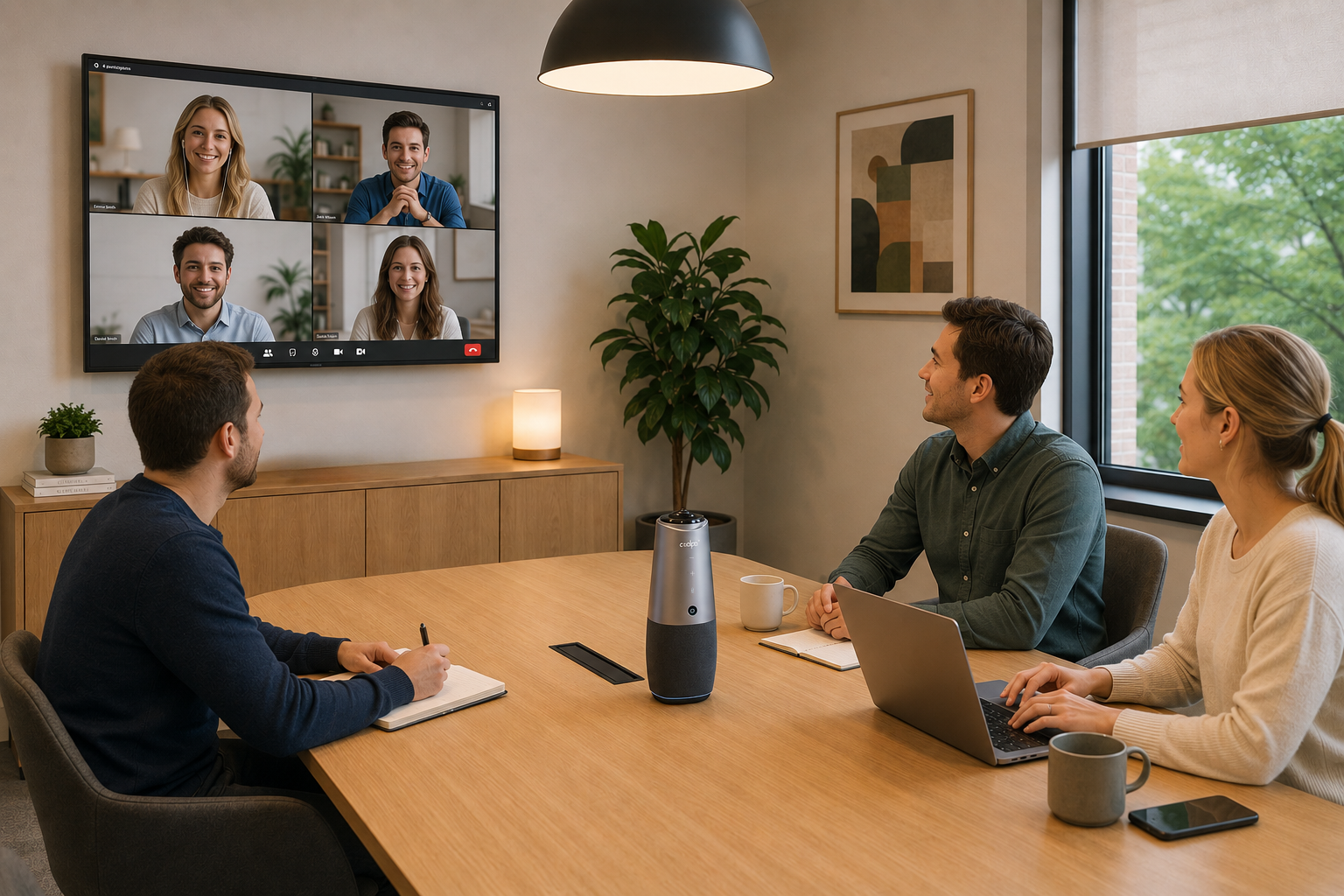
But even a well-run meeting falls apart if half of it is "can you hear me now? Dropped audio, laggy video, and people off-frame quietly add minutes and kill momentum in hybrid rooms. A reliable, all-in-one audio and video device like Coolpo AI Huddle PANA removes the friction so the meeting is about the discussion, not the setup.
Normalize Saying “No” to Pointless Meetings
Culture seals the deal. Perhaps the most important cultural shift of 2025 is that protecting focus time is now respected, not frowned upon. Forward-thinking organizations encourage people to
- Decline invites with no agenda.
- Block “no-meeting” days for deep work.
- Default to async-first communication, using meetings only as a last resort.
Doing so doesn’t weaken collaboration, it strengthens it. By normalizing boundaries, leaders ensure that when meetings do happen, they are purposeful, engaging, and valuable for everyone present. When leadership models it, "no" stops feeling risky and starts feeling productive.
For meetings that DO need everyone, learn how to make them count.
Conclusion
In 2025, the issue isn’t that meetings exist, it’s that too many of them are poorly run or poorly supported by technology. By asking the right questions, setting smarter structures, and equipping teams with seamless tools like the Coolpo Pana, leaders can transform hybrid syncs into truly valuable touchpoints. Because in today’s world, fewer meetings don’t mean less collaboration, they mean better collaboration. As you rethink your meeting strategy, consider whether your team has the right mix of practices and tools to make every session count.
Get your hybrid-ready tools here.
1. Why do meetings feel pointless?
Usually because they lack a clear agenda, a decision to make, or the right people — and because unreliable tech adds friction that drags them out.
2. How do I reduce unnecessary meetings?
Sort each one by purpose (async vs. live), require an agenda, shorten meetings by default, let AI capture notes, and make it acceptable to decline.
3. When is a meeting unnecessary?
When its only goal is sharing information or a status update that could be communicated in a document, message, or recording.
5. Are hybrid syncs a waste of time?
Not inherently — but they waste time when they're unstructured or when audio/video issues sideline remote participants.
What technology helps shorten hybrid meetings? AI note-takers plus reliable all-in-one conferencing hardware (like a 360° camera with auto-framing) that eliminates setup and audio delays.
Recent blogs

.png)

Reliable
Innovation
Touch


