
What Is Hybrid Classroom Technology & Teaching Style?
Hybrid classrooms combine digital learning tools, virtual communication systems, and flexible teaching methods so in-person and remote students can learn together. Schools use them to widen access, improve collaboration, and keep lessons going regardless of where a student is — but they depend on reliable conferencing gear (cameras, mics, speakers) and bring real tradeoffs around engagement and tech access that are worth planning for.
Hybrid classroom technology and teaching styles combine digital learning tools, virtual communication systems, and flexible teaching approaches to support both in-person and remote students. In 2026, schools and universities increasingly use hybrid classrooms to improve classroom collaboration, expand access to learning, support flexible education environments, and create more connected learning experiences between physical and online students.
Hybrid classrooms are now part of long-term education strategies that combine technology, communication, and flexible teaching methods to support modern learning environments.
How Hybrid Classrooms Work
Hybrid classrooms combine physical classroom instruction with digital learning environments that let students participate both in person and remotely. To support this setup, schools increasingly use classroom technology, communication systems, and flexible teaching methods that help educators manage lessons across different learning environments.
Digital Learning Tools
Modern hybrid classrooms increasingly rely on digital learning tools to organize lessons, manage coursework, and improve collaboration between students and teachers.
Many schools now use:
- Cloud-based collaboration platforms
- Digital classroom management systems
- Shared online assignments and learning resources
- Interactive educational applications
These tools help students access learning materials more easily while letting teachers organize lessons and classroom activities across both physical and online environments.
Virtual Communication Systems
Hybrid classrooms also depend heavily on communication systems that help remote and in-person students participate during live lessons and discussions.
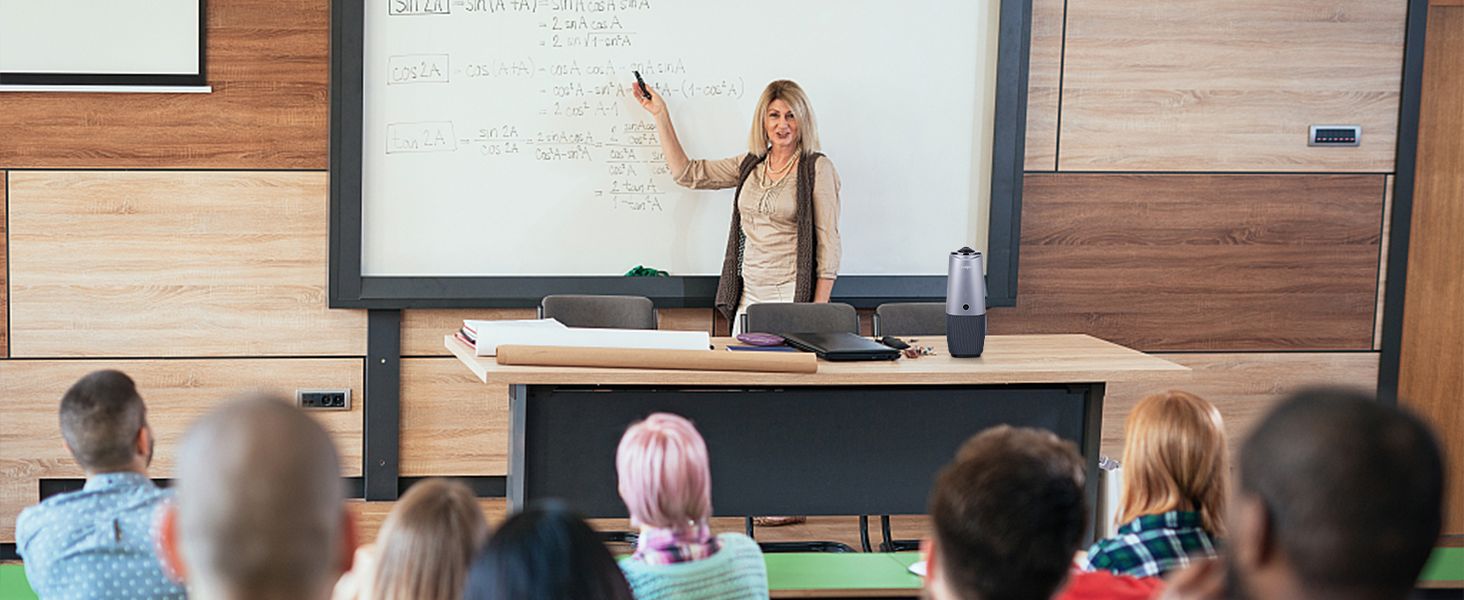
Common technologies include:
- Video communication platforms like Zoom and Google Meet
- Classroom microphones and cameras
- Interactive conferencing systems
- Shared digital collaboration tools
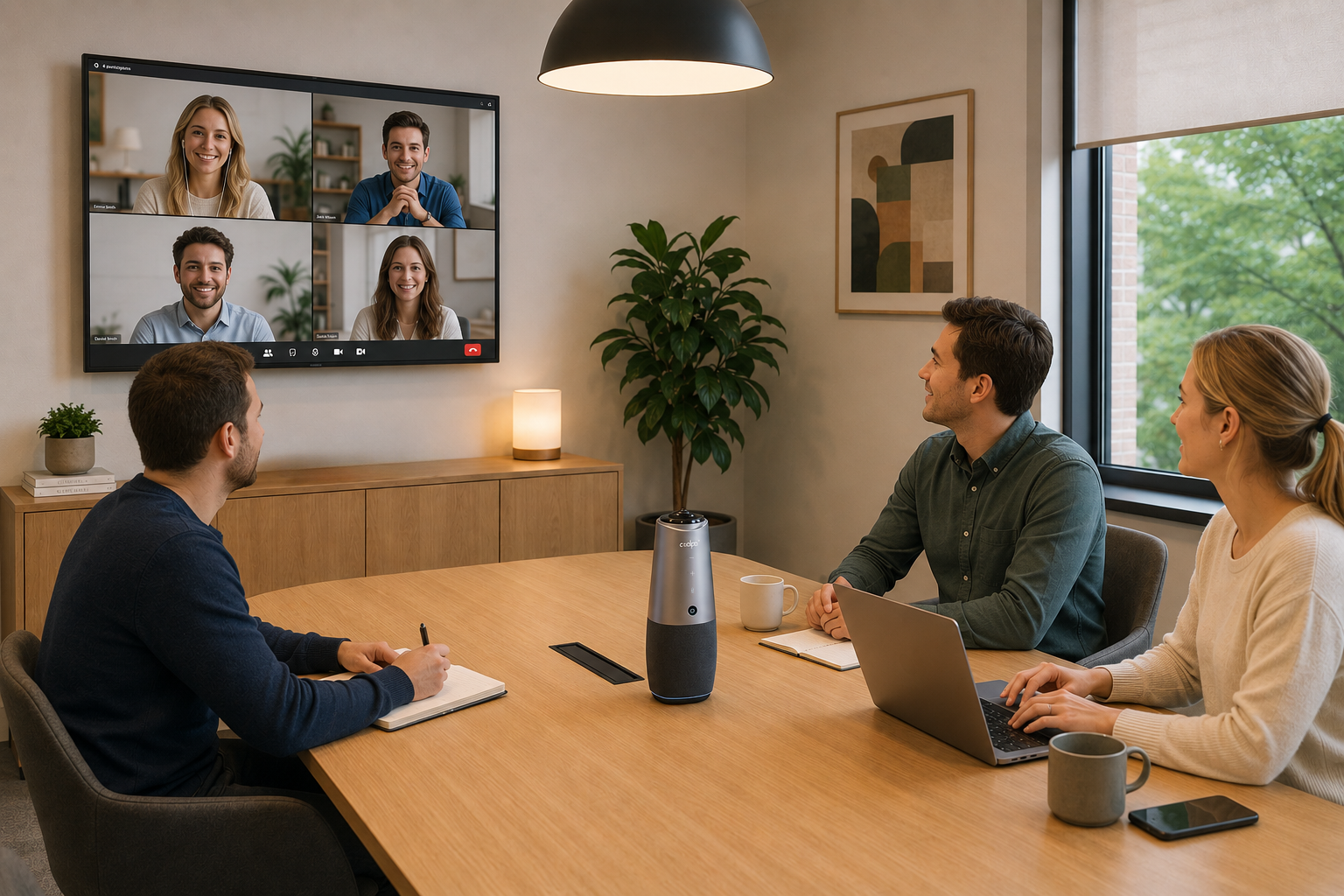
For hybrid learning environments, conferencing systems like the Coolpo AI Huddle PANA help improve communication through integrated 360° video, microphones, speakers, and AI-powered speaker tracking. These systems help remote and in-class students participate more naturally during lessons, discussions, and collaborative activities.
Flexible Teaching Approaches
Hybrid teaching styles combine traditional classroom instruction with online learning methods to create more adaptable learning experiences.
Teachers may use:
- Live classroom discussions
- Virtual lessons and collaboration
- Recorded lectures and learning materials
- Online assignments and assessments
- Async learning resources
- Digital group activities
This allows educators to adapt lessons for students learning from different schedules, locations, and classroom environments.
Why Schools Use Hybrid Classrooms
Schools and universities increasingly use hybrid classrooms to support more flexible and connected education environments.
Better Collaboration and Participation
Hybrid classrooms help teachers create more balanced participation between in-person and remote students.
Educators often support:
- Shared classroom discussions
- Group collaboration activities
- Online participation during lessons
- Digital communication between students and teachers
This helps create more interactive learning experiences across physical and virtual classrooms.
More Flexible Access to Learning
Hybrid learning allows schools to make education more accessible for students learning from different locations or situations.
Benefits include:
- Remote access to lessons and learning materials
- Flexible participation options
- Continued learning during disruptions or travel limitations
- Broader access to educational programs
As hybrid learning continues evolving in 2026, schools increasingly focus on creating more adaptable education environments for students with different learning needs and schedules.
More Connected Learning Experiences
Modern hybrid classrooms aim to create stronger connection between digital and physical learning environments.
Teaching strategies increasingly focus on:
- Better communication between students and teachers
- More interactive classroom participation
- Improved digital collaboration
- Technology-supported learning experiences
This helps remote and in-person students feel more equally involved during lessons and collaborative classroom activities.
Challenges to Consider
Hybrid classrooms aren't automatic wins. Schools weighing the switch should plan for:
1. Uneven engagement. Remote students can drift into passive viewing if lessons aren't designed to pull them into discussion.
2. Tech access gaps. Reliable internet and a working device aren't guaranteed for every student, especially outside the classroom.
3. Extra prep time. Teachers running a hybrid lesson are effectively planning two experiences at once — in-room and remote. That is why its important to choose tools that is interactive yet easy to set-up to avoid extra treparation time.
4. Dependence on the right gear. A weak camera or mic setup makes remote students feel like an afterthought, which is part of why schools invest in dedicated conferencing hardware rather than relying on a laptop webcam. Some of the same hybrid work strategies that help distributed offices apply directly to hybrid classrooms.
Conclusion
Hybrid classrooms combine digital learning tools, communication technology, and flexible teaching methods to support more connected and adaptable education environments. As hybrid learning continues evolving, schools increasingly focus on balancing classroom interaction, remote accessibility, and technology-supported collaboration to create better learning experiences for both in-person and online students. Getting the technology right — starting with dependable video and audio — is what makes that balance possible.
1. What is a hybrid classroom?
A hybrid classroom (sometimes called a "hyflex" classroom) is a learning setup where some students attend in person while others join remotely at the same time, using video conferencing and digital tools to keep everyone in the same lesson.
2. What technology do you need to run a hybrid classroom?
At minimum: a reliable video conferencing platform (like Zoom or Google Meet), a classroom camera and microphone that can capture the whole room, and a shared digital space (LMS or cloud platform) for assignments and materials. Purpose-built conferencing cameras with 360° coverage and AI speaker tracking make it easier for remote students to follow who's talking.
3. What's the difference between hybrid and blended learning?
Hybrid learning has remote and in-person students attending the same live lesson simultaneously. Blended learning typically mixes in-person class time with self-paced online coursework completed separately, not at the same time.
4. What are the biggest challenges of hybrid classrooms?
The most common issues are uneven engagement between in-person and remote students, unreliable internet or device access, and the extra time it takes teachers to plan a lesson that works for both groups at once.
5. Do hybrid classrooms actually improve learning outcomes?
They can, when the technology and teaching approach are matched to the goal — hybrid setups are best at expanding access and flexibility; outcomes depend on whether teachers actively design for remote participation rather than just streaming a normal class.
Recent blogs

.png)
Reliable
Innovation
Touch


