
Are there all-in-one camera and microphone solutions suitable for conference rooms?
Yes, there are all-in-one video conferencing camera and microphone solutions designed specifically for conference rooms — such as Coolpo AI Huddle PANA, Logitech Rally Bar, Jabra PanaCast 50, and Meeting Owl 4+ — which combine camera, microphone, and speaker systems into a single device, making setup easier while improving meeting quality.
Yes — conference rooms no longer need a tangle of separate cameras, microphones, and speakers wired together. Several video conferencing cameras and microphones now combine all three into a single device, including Coolpo PANA, Logitech Rally Bar, Jabra PanaCast 50, and Meeting Owl 4+. Here's what these all-in-one systems offer, how they compare, and how to pick the right one for your room.
Instead of managing separate cameras and audio equipment, these systems are built to deliver a more seamless experience for both in-room and remote participants.
What Are All-in-One Video Conferencing Cameras and Microphones?
All-in-one conferencing devices integrate:
- A video camera (wide-angle, panoramic, or 360°)
- Built-in microphones for voice pickup
- Speakers for clear audio output
- AI features like auto-framing or speaker tracking
These devices are designed to simplify meeting setups, reduce cable clutter, and ensure consistent performance across different meeting platforms like Zoom or Microsoft Teams.
For a deeper look at getting clean video once your hardware is in place, see How to Get HD Video Quality for Group Video Calls.
Best All-in-One Solutions for Conference Rooms
The best all-in-one video conferencing camera and microphone solutions suitable for conference rooms are the following:
1. Coolpo AI Huddle PANA
A 360° AI-powered conference camera designed for hybrid meetings.
Key Features:
- True 4K 360° video coverage
- 360° speaker and voice pickup
- Built-in omnidirectional microphones
- AI-powered active speaker tracking and framing
- Block feature” to remove distractions (people or objects)
- Plug-and-play (no Bluetooth or WiFi required)
- Platform-agnostic compatibility
Price: $598.98
A well-balanced solution that delivers full-room visibility, smart AI features, and strong performance at a more practical price point compared to most 360° systems.
2. Logitech Rally Bar
A premium all-in-one video bar built for medium to large rooms.
Key Features:
- 4K video with AI framing
- High-quality built-in speakers and microphones
- Works standalone or with a PC
Price: $4,018.19
Best suited for enterprise environments that need high-end performance and scalability, though it focuses on front-facing coverage rather than full 360° visibility.
3. Jabra PanaCast 50
A panoramic video bar designed for modern meeting rooms.
Key Features:
- 180° field of view
- Intelligent multi-camera stitching
- Built-in audio system
Price: $1,447.00
A strong option for front-facing meeting setups with excellent clarity, but it offers limited room coverage compared to full 360° systems at a similar price range.
4. Meeting Owl 4+
One of the most recognized 360° conferencing devices in the market.
Key Features:
- 360° camera coverage
- 360° speaker and audio pickup
- Automatic speaker focus
- Easy plug-and-play setup
Price: $1,999.00
A popular and reliable choice for hybrid teams, though pricing can add up quickly when building a complete meeting room setup.
Why Teams Choose All-in-One Solutions
- Simpler setup — fewer devices, less wiring
- Better audio-video sync — optimized as one system
- Cleaner workspace — minimal hardware clutter
- Consistent performance — built for conferencing, not adapted
These advantages make all-in-one systems especially useful for hybrid work environments where reliability and ease of use matter.
What to Consider Before Choosing One
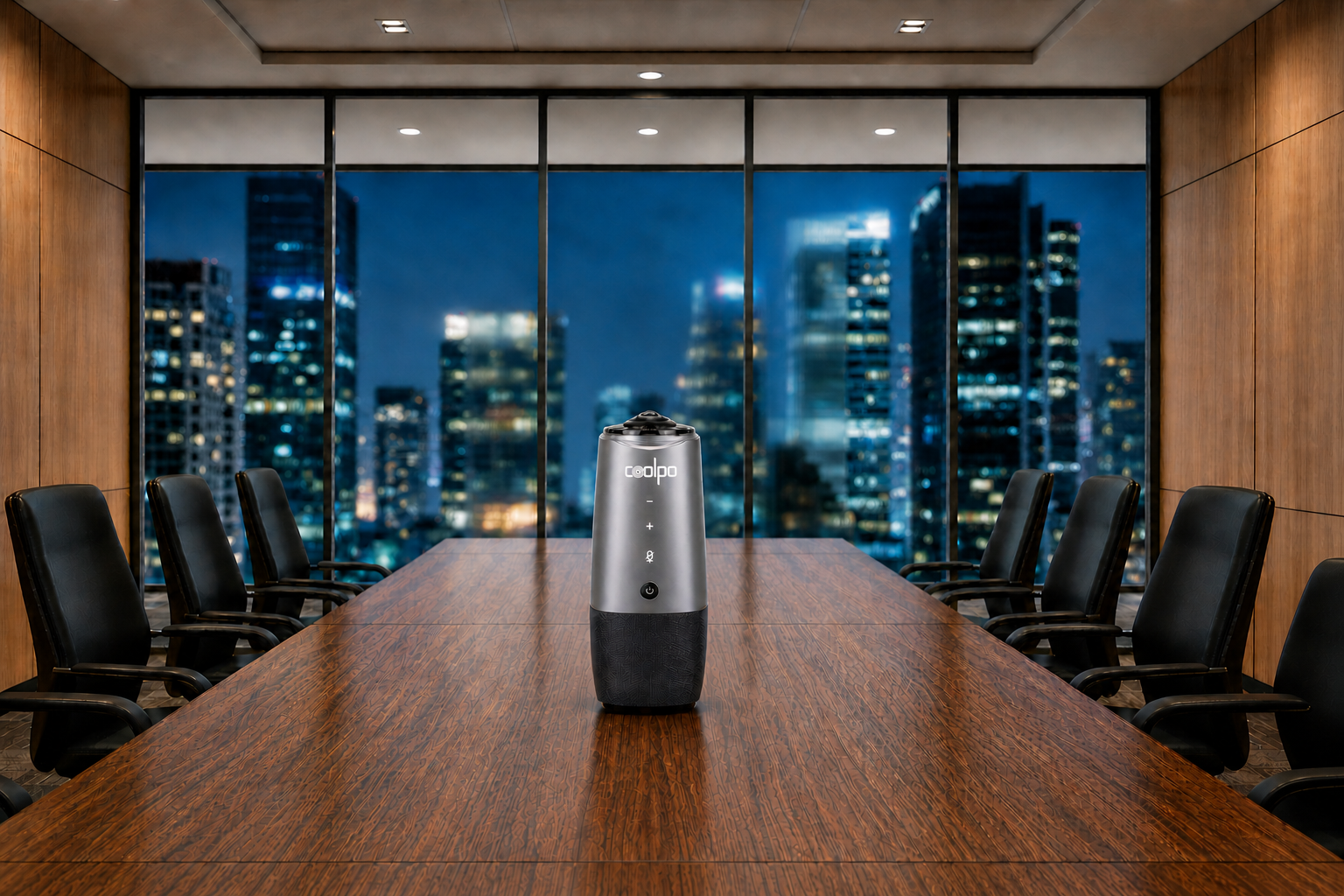
- Room size: Small rooms vs large conference spaces
- Coverage type: 360° vs front-facing cameras
- Audio quality: Number and range of microphones
- Platform compatibility: Zoom, Teams, etc.
- Budget: Entry-level vs enterprise-grade systems
Best Overall Choice all-in-one video conferencing camera and microphone solutions
Best Overall Choice: Coolpo PANA
For most teams, the Coolpo PANA stands out as the most practical all-in-one choice when balancing room coverage, flexibility, performance, and cost. While premium systems like video bars or Owl setups can perform well in specific environments, many teams don't actually need complex installations or ecosystem lock-ins. A 360° all-in-one device like PANA covers the entire room, works across platforms, and delivers the core features most hybrid teams rely on — without the added cost or setup complexity.
For general guidance on outfitting a room for this kind of setup, see Meeting Room Technology That Brings Global Teams Together in Real Time.
Conclusion
Video conferencing cameras and microphones that combine into a single all-in-one device are often the most efficient choice for modern conference rooms. The best option depends on your setup, but choosing a system that matches your room size, coverage needs, and workflow will have the biggest impact on meeting quality.
1. Are all-in-one conferencing cameras better than separate camera and mic setups?
For most conference rooms, yes — they reduce cable clutter, sync audio and video automatically, and are built specifically for meetings rather than adapted from separate consumer gear.
2. What's the difference between a 360° camera and a front-facing video bar?
360° cameras (like Coolpo PANA or Meeting Owl 4+) capture the entire room from a central position, while front-facing video bars (like Logitech Rally Bar) are mounted at the front and cover the room from one direction — better for rooms with a fixed presentation wall.
3. How much should I expect to spend on an all-in-one conferencing camera?
Pricing ranges widely, from under $600 for compact 360° devices to over $4,000 for enterprise video bars — room size and required features drive most of the cost difference.
4. Do all-in-one cameras work with any video conferencing platform?
Most are platform-agnostic and work with Zoom, Microsoft Teams, Google Meet, and similar tools, but it's worth confirming certification for your specific platform before buying.
Recent blogs
.jpg)



%20(3).jpg)
Reliable
Innovation
Touch


