
What Device and Camera Features Can Enhance Camera Performance on Laptops?
The device and camera features that enhance laptop camera performance include higher-quality sensors, AI-powered image processing, low-light optimization, autofocus systems, improved microphones, software optimization, and proper lighting setup. Modern laptops and conferencing solutions now combine hardware, AI features, and optimized workflows to improve video clarity, audio quality, and overall communication experience.
Below, we break down the most important features and upgrades that improve laptop camera performance for meetings, remote work, streaming, and professional communication.
1. Higher Camera Resolution
Resolution affects how sharp and detailed your video appears.
720p = basic video quality
1080p Full HD = recommended standard for professional meetings
4K = sharper image and better cropping flexibility
Higher resolutions improve image detail and presentation quality, especially on larger displays. However, good lighting and image processing still matter just as much as raw resolution for professional-looking video.
2. AI-Powered Image Processing
Modern conferencing systems increasingly use AI to improve video quality automatically.
Auto-framing and face tracking
Exposure and color correction
Background optimization
Intelligent focus adjustment
AI processing helps cameras adapt dynamically to movement and lighting conditions. This creates a cleaner and more polished appearance without requiring manual adjustments.
3. Low-Light Optimization
Lighting quality has a major impact on overall camera performance.
HDR (High Dynamic Range) support
Auto-light correction
Larger image sensors
Low-light noise reduction
These features improve visibility and reduce graininess in darker environments. Better low-light handling helps maintain a clearer and more professional image even in home offices or mixed lighting setups.
4. Autofocus and Framing Features
Clear focus and stable framing improve how natural and professional meetings look.
Fast autofocus systems
AI subject tracking
Adjustable field of view
Center framing technology
These features help keep users sharp and properly positioned during movement. They are especially useful for presentations, collaborative discussions, and hybrid meetings.
5. Microphone and Audio Enhancement Features
Audio quality often impacts meeting quality more than video itself.
Noise cancellation
Echo reduction
Omnidirectional microphone arrays
Voice isolation technology
Clear audio improves communication and reduces distractions during calls. Strong microphone performance helps meetings feel more natural, professional, and easier to follow.
6. External Conference Camera Systems
Built-in laptop webcams are mainly designed for individual use, while hybrid meetings often require broader room coverage and stronger audio pickup.
360° video and audio systems
AI speaker tracking
Multi-person framing
Full-room microphone coverage
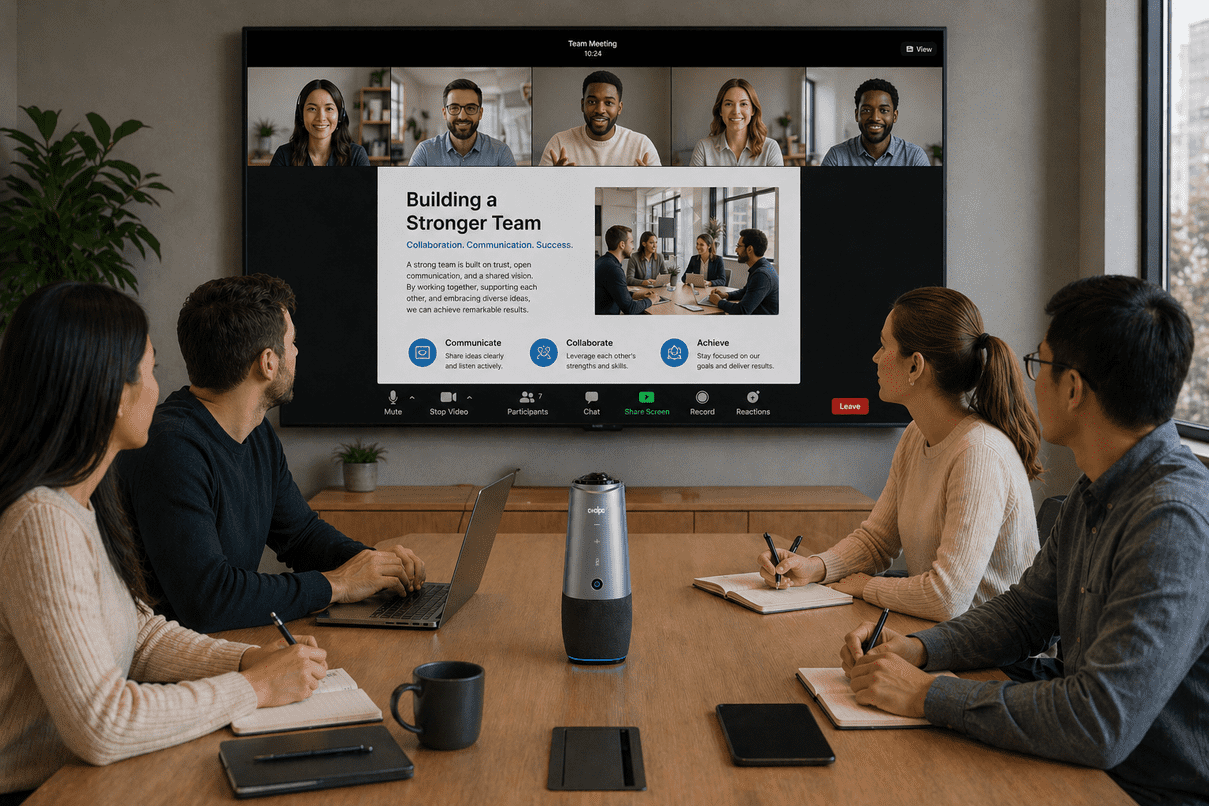
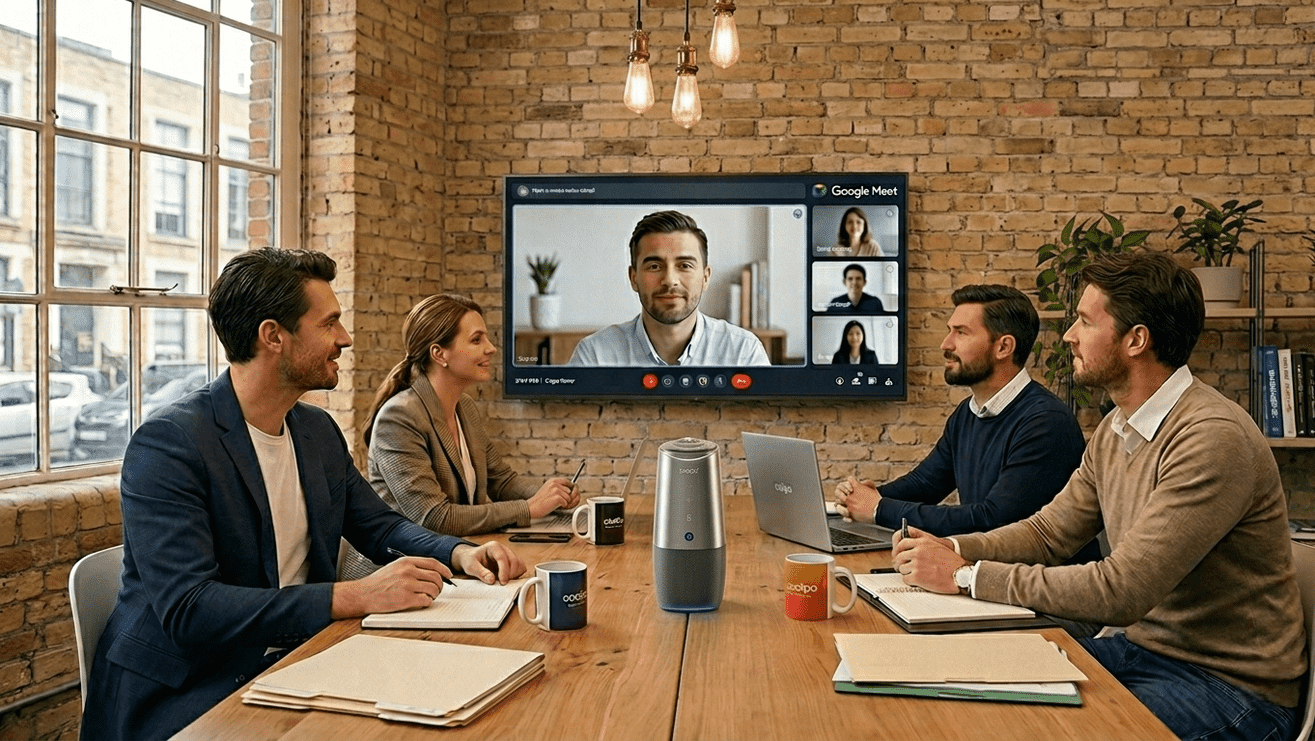
External conferencing systems help transform basic laptop setups into full hybrid meeting environments with wider room visibility, stronger audio pickup, and more balanced collaboration for teams.
Solutions like Coolpo AI Huddle PANA combine 360° video, microphones, speakers, and AI tracking into a single device, making hybrid meetings more inclusive and easier to manage without complicated setups.
7. Connectivity and Device Performance
Camera quality is also affected by device capability and connection stability.
Faster processors for AI video enhancement
USB-C and high-bandwidth connectivity
Stable internet connection
Hardware acceleration for video processing
Better system performance helps maintain smoother video, clearer audio, and more stable conferencing during long meetings or high-resolution calls. Reliable connectivity also reduces lag, freezing, and synchronization issues.
8. Software Optimization and Platform Compatibility
Strong hardware still depends on proper software optimization.
Compatibility with Zoom, Teams, and Google Meet
Driver and firmware updates
Camera control and adjustment settings
AI enhancement support within conferencing platforms
Well-optimized software improves stability, feature integration, and overall video performance. It also ensures devices work consistently across different meeting platforms and workflows.
9. Lighting and Positioning Accessories
Even with a good laptop camera, poor lighting and positioning can reduce overall video quality.
Ring lights for balanced lighting and reduced shadows
Laptop risers for eye-level framing
Webcam mounts and tripods for better positioning
Desk lighting setups for improved visibility
Proper lighting and camera positioning often create a more noticeable improvement than upgrading resolution alone. A well-positioned camera with balanced lighting helps meetings look more natural, professional, and engaging.
What Actually Makes the Biggest Difference?
For most users, the biggest improvements come from:
- Better lighting
- Clearer video and microphone quality
- Stable internet connection
- Proper camera positioning
- AI-powered video enhancement
There should be a balance between audio and video quality to meet real world standard and overall consistency.
Laptop camera performance is improved through a combination of hardware quality, AI processing, lighting optimization, audio enhancement, and proper setup. While higher resolution helps, features like low-light correction, autofocus, clear microphones, and optimized positioning often create the biggest real-world improvement. The best results come from combining strong hardware with practical setup improvements and conferencing tools that support clear and effective communication.
Recent blogs


%20(3).jpg)

Reliable
Innovation
Touch


